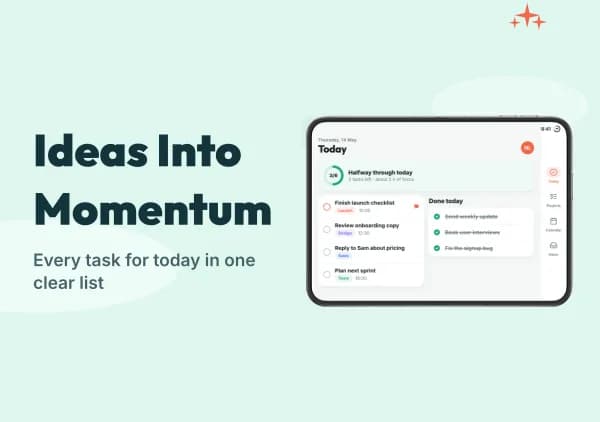
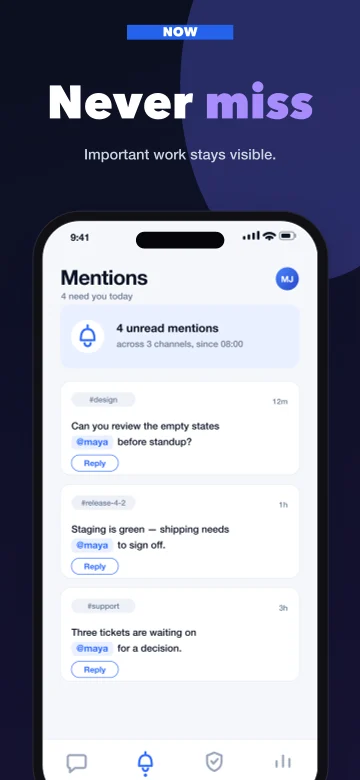
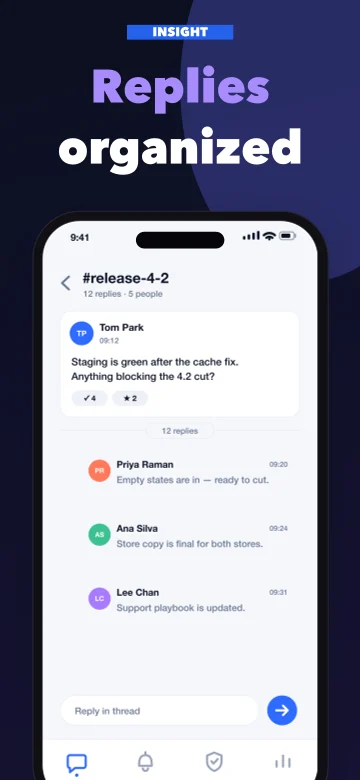
From app to launch-ready listing

Create your App Store and Google Play listing in one workspace.

Screenshots, ASO text, and localization for both stores — including iPhone Duo — from one App profile.

Start on the free plan.

Template → screenshots → ASO text → publish

Stop rebuilding your store assets manually.

One launch can mean several screenshot formats and store copy for two stores in multiple languages — usually spread across design files, spreadsheets, and separate tools.

Manually
hero_6.9_v3.png
hero_6.5_v3.png
ipad_13_v2.png
play_phone_v2.png
aso_copy_FINAL.xlsx
de_screens_v2.zip

Re-cut for each format, repeat it for each language, and update it again when the copy changes.

In AppListingLab
One app profile
Who it is for, what it does, how it sounds
  • App Store screenshots
    iPhone · Duo outer & inner · iPad
  • Google Play screenshots
    phone, tablet, feature graphic
  • Apple creative images
    Header, Search, Event Card & Details
  • ASO text
    name, subtitle, keywords, description

Use the same app profile when generating each asset, so screenshots and store copy stay aligned.

Build the key parts of your store listing

Create screenshots and store copy from one app profile, keep them consistent across languages, then export or publish when they are ready.

App StorePublishing
Relay
Team chat that stays on topic
GET
Productivity · 4+ · English, German, French, SpanishLocalization
PreviewScreenshots
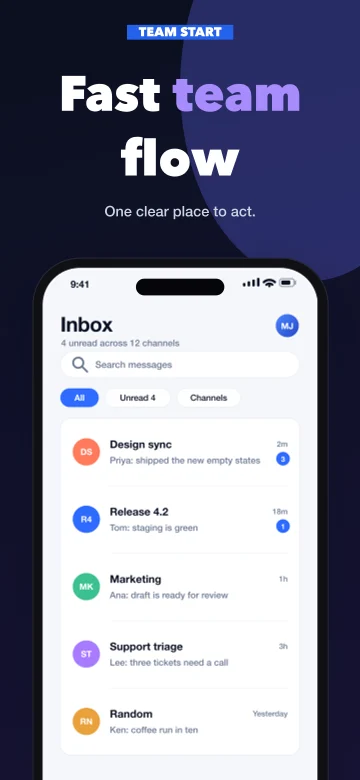
Relay App Store screenshot example, slide 1Relay App Store screenshot example, slide 2Relay App Store screenshot example, slide 3
DescriptionASO text

Every conversation in one place, with replies attached to what they answer. Relay keeps the day's decisions where the team can find them tomorrow.

  • Store-ready formats from one design

    Prepare iPhone, iPhone Duo outer/inner, iPad, and Google Play screenshot formats. Extend the pack style to separate Apple creative images.

  • ASO text that fits

    App name, subtitle, keywords, promotional text and descriptions, always inside each store's character limits.

  • Localization in one workflow

    Localize screenshots and store copy for the languages you choose, then review each result before export or publishing.

  • Export or publish

    Export your assets, or publish supported screenshots and store text on Pro. Duo and Header/Search images currently use manual App Store Connect upload.

Screenshot Studio

The App Store and Google Play screenshot generator

Pick a template, let AI write the captions, fine-tune on the canvas, and export every size each store asks for.

  • Templates that tell a story

    Use story-based templates with captions drafted from your app profile.

  • Edit on a real canvas

    Drag, resize, and style text, images, and shapes directly on the canvas.

  • Publish directly on Pro

    Render supported store formats, then upload directly to App Store Connect and Play Console. See how the store will handle your changes.

  • One design, multiple formats

    Adapt one layout to supported App Store formats and practical Google Play phone and tablet presets.

iPhone Duo & Apple assets

More Apple formats. One visual style.

Carry your chosen template pack across Duo screenshots, Product Page Header, Search Results, and In-App Event artwork. Keep the same App profile while giving each placement its own composition.

Two Duo displays, four screenshot formats

Design for outer and inner displays in portrait or landscape, with separate device frames. Use captures from the matching display and orientation so the app layout stays accurate.
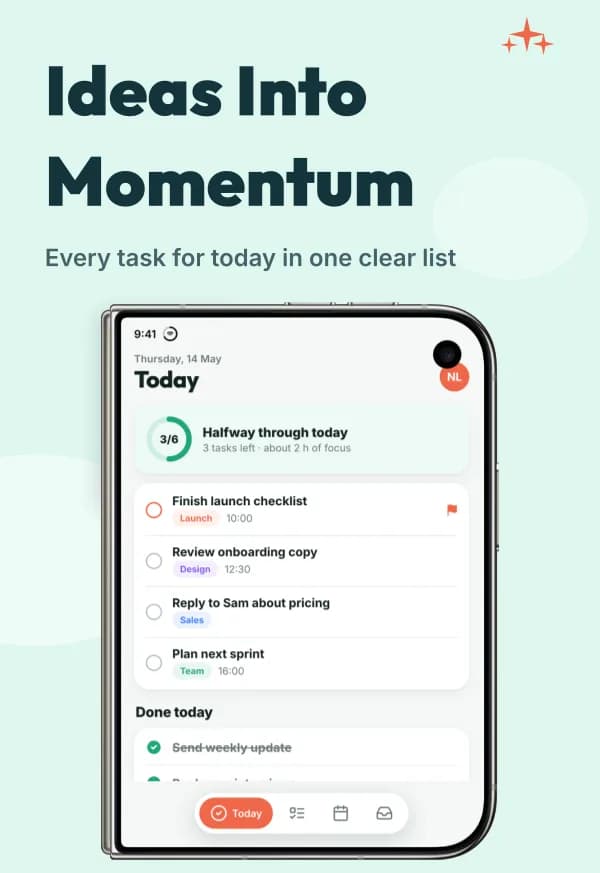
Launch Focus template with a stylized iPhone Duo outer · portrait frame
Outer · portrait
1398 × 2034
Launch Focus template with a stylized iPhone Duo inner · landscape frame
Inner · landscape
2853 × 2007

AI-generated demo app with stylized frames. Both orientations are available for each display.

Edit, localize, preview, and export. Duo files currently use manual App Store Connect upload.
Apple creatives beyond screenshots

Create separate Header and Search images, or share one universal canvas. Event Card and Details pair your event’s artwork with its badge, name and description, as the App Store shows them.

Launch Focus Product Page Header template example
Product Page Header · 3840 × 1646
Launch Focus In-App Event Card template example
Event Card
Launch Focus In-App Event Details template example
Details

Template examples. Listing assets are separate from the screenshot sequence.

Static images are editable and exportable. Header/Search use manual upload; video generation and direct creative placement are not available yet.

Preview Duo and Apple assets in a template pack →
applistinglab.com/app/projects/fittrack/aso
App StoreGoogle Play
App name26/30
FitTrack: Workout Planner
Subtitle24/30
Habits, plans & progress
Keywords45/100
workout,planner,gym,habit,fitness,log,routine

ASO Studio

Create store-ready ASO copy

Name, subtitle, keywords and descriptions for both stores, built from your app profile and kept within every limit.

  • Screenshots and ASO text tell one consistent story
  • Live character counters against every store limit
  • Regenerate any field with AI or edit it inline
  • Copy a field — or the whole listing — in one click
  • Full history on every listing — what changed, and one click to restore it
Explore ASO Studio and try an editable example →

App profile

Define your app once. Keep every asset aligned.

Your audience, positioning, tone, and product details become the shared brief for screenshots and ASO copy.

How it works

1. Start from a link, or from scratch

Paste your store link, or describe the app if it hasn't shipped yet.

2. Generate screenshots and ASO text

Store text and screenshots that tell the same story.

3. Edit and export

Fine-tune on the canvas, then export — or publish on Pro.

Turn your app into a listing ready to launch.

Set up your app once, then generate screenshots and ASO text that all say the same thing.

Start building your listing

Frequently asked questions

What sizes do App Store screenshots need to be?

Use an accepted size for each display group App Store Connect asks for. iPhone Duo has its own outer and inner sizes. Learn more →

Can I create iPhone Duo screenshots?

Yes — outer and inner displays, in portrait and landscape. Export them for manual upload in App Store Connect. Learn more →

Which Apple assets can I design beyond screenshots?

Product Page Header, Search Results and In-App Event images, in your template pack's style. They upload manually; video is not generated yet. Learn more →

How long can App Store keywords be?

100 characters, commas included. The editor counts as you type and avoids repeating words from the name or subtitle.

Does Google Play have a keyword field?

No. Use relevant terms naturally in the title and descriptions; AppListingLab drafts them within their limits.

Can I publish directly to the stores?

Yes, on Pro, for supported screenshot formats and store text. App Store changes go to the version you are preparing; Google Play saves them or sends them for review.

Do my exports have a watermark?

Only screenshots downloaded on the free plan carry a small “Made with applistinglab.com” mark. Free tools, icons, listing text and every paid plan are unmarked.

Will the screenshots show my real app?

Yes. Your own screens stay the content; templates add the frame, background and layout.